

Movies and TV · Windows, macOS, Linux, Android
A less sketchy way
to stream movies and TV.
Pick any movie or episode. Sentorr finds the best torrent for it and starts playing while it downloads, in a proper player.
- Free
- Open source
- No accounts
- No ads
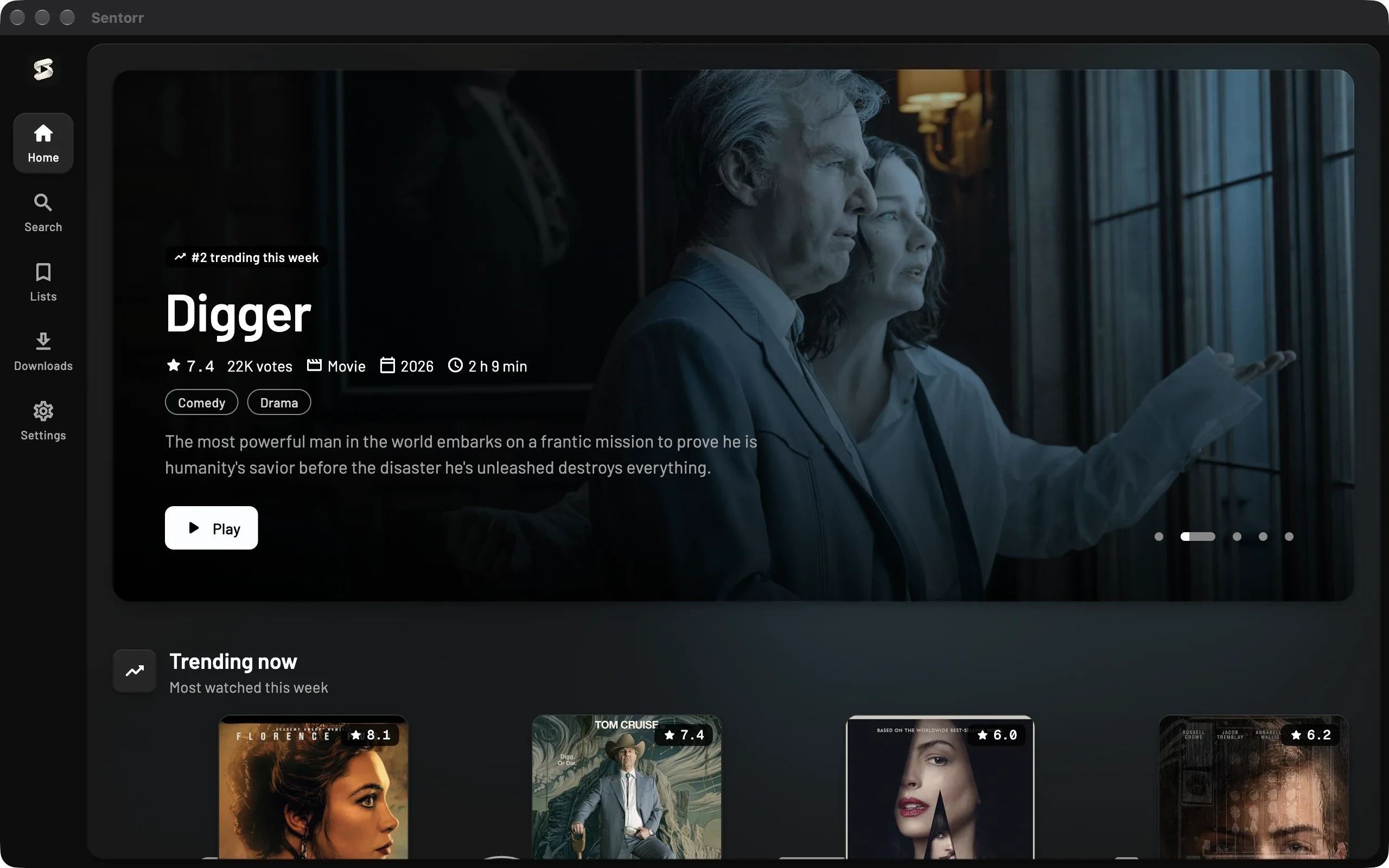
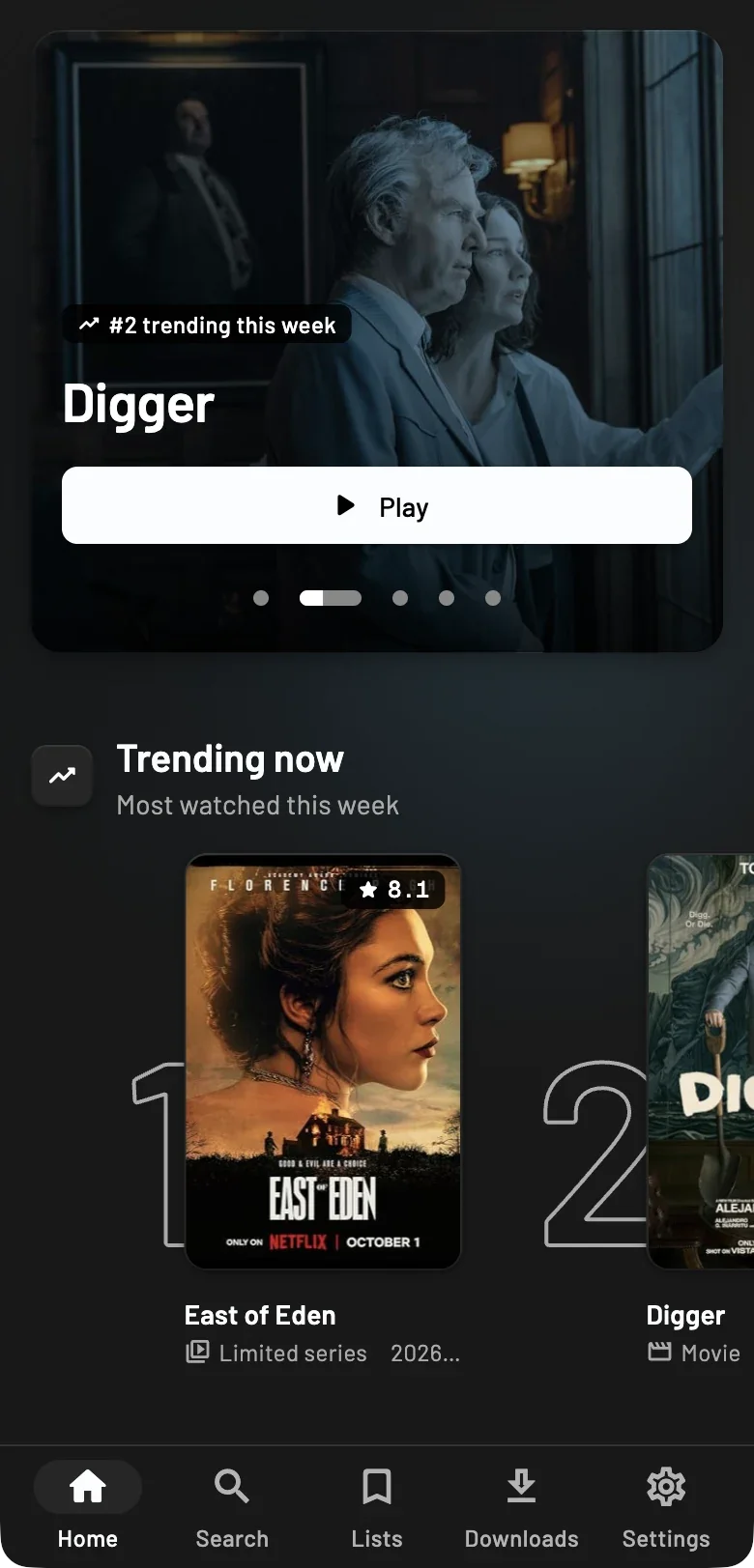
What Sentorr does
Everything between choosing a title and the first frame
Plays while it downloads
Starts after a short buffer; seeking fetches that part first
Finds the right torrent
Matched to the exact title, ranked by quality, size and seeders
A proper player
Subtitles, speed, mini player, pop-out and YouTube’s shortcuts
Downloads
Movies, episodes or whole seasons, kept for offline
Follow your shows
Hear when new episodes air, or have them downloaded
Your network, your rules
Speed limits, a proxy, and binding to your VPN
Device sync
Pair devices on your network to share history and play each other’s downloads
Backups
Keep your watch history safe in a file or on Google Drive
From click to playback
What happens after you press Play, usually in seconds
01
Pick a title
Browse what’s trending and new, or search for anything.
02
Finding a torrent
Sources are searched and the best release for that exact title is chosen.
03
Connecting to peers
Sentorr joins the swarm and asks for the opening of the file first.
04
Playing
Watch while the rest downloads. Seeking jumps the queue.
Questions
The things people usually ask first
Is Sentorr free?
Yes. It’s free and open source, with no accounts, subscriptions or ads.
Where do the movies and shows come from?
Sentorr doesn’t host anything. It searches public torrent indexes and streams from people sharing those files over BitTorrent.
Do I need a VPN?
While you stream or download, your IP address is visible to other peers, and the rules differ by country. Sentorr can send torrent traffic only through your VPN’s network interface, or through a proxy.
Do I need a separate video player or codecs?
No. Sentorr has its own player, built on mpv and bundled with the app, with subtitles, a mini player and keyboard shortcuts.
Can I download instead of streaming?
Yes. Download a movie, an episode or a whole season, and watch it offline. Follow a series to have new episodes downloaded as they air.
Why does my computer warn me when I install it?
The Windows installer isn’t code-signed yet and the macOS app is ad-hoc signed, so SmartScreen and Gatekeeper ask first. The download page shows how to continue. Download page